
A little every day.
A lot, looking back.
A photo journal for the things you’re still working on.
Same shot. Every day. Watch yourself improve.
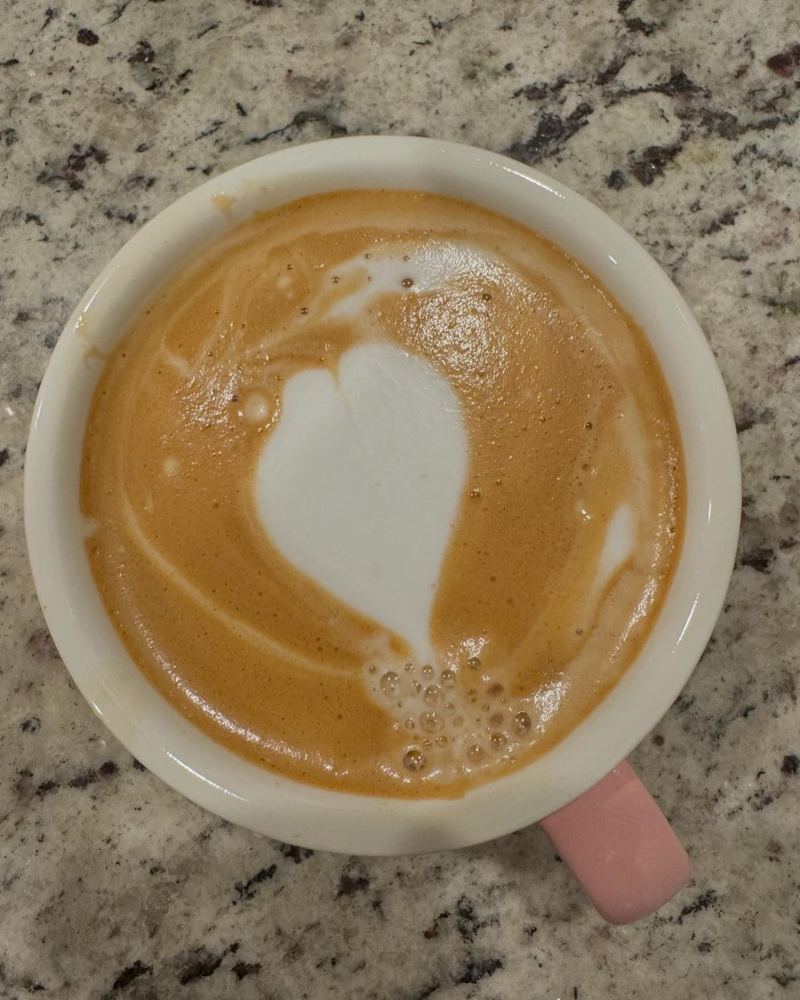
Latte, lately.
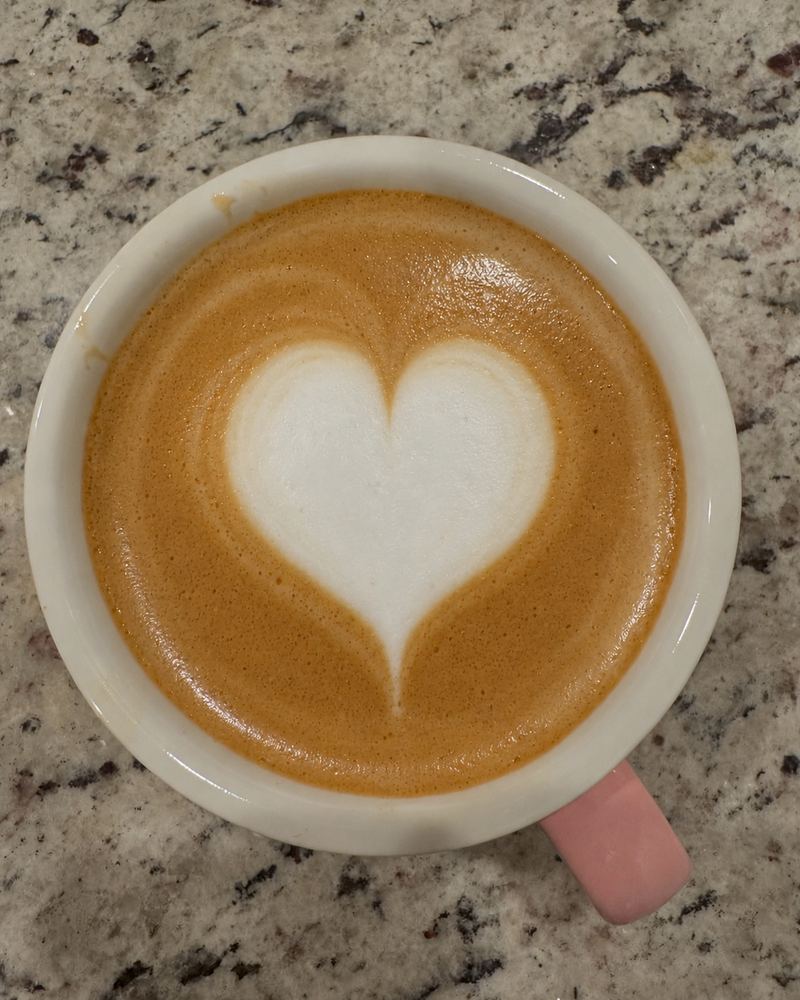
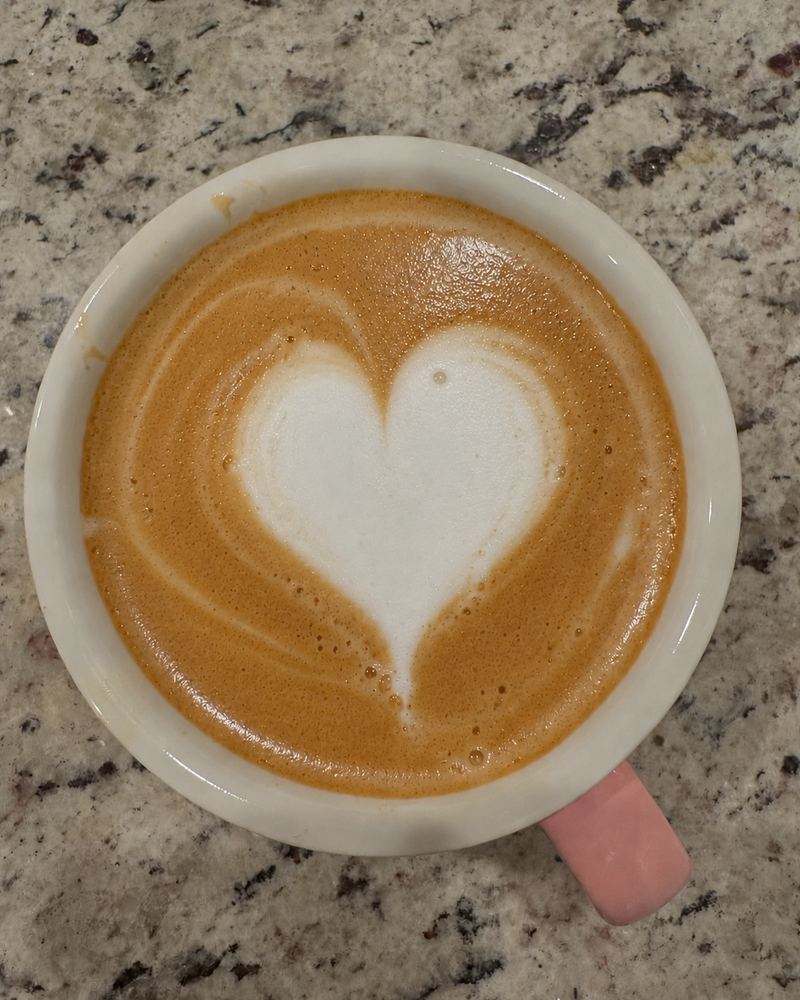
Drag to look back. Illustrative latte-art journal.
Find your angle.
Then find it again.
Your last photo becomes a transparent guide. Line up today’s shot, take a photo, and leave the small changes to speak for themselves.
Move the slider to try the alignment guide.
You won’t notice
every little change.
But you’ll have the photos.
Scroll back to where you started. Put two moments side by side. Turn the days in between into a video worth keeping.
Look back at the sample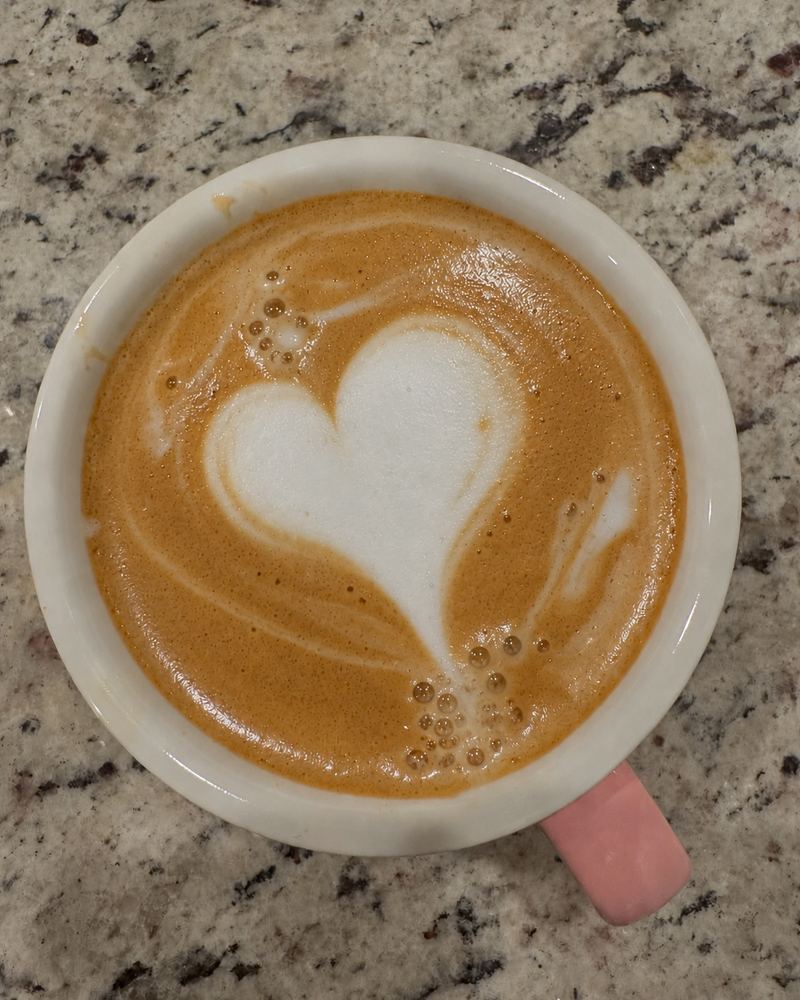
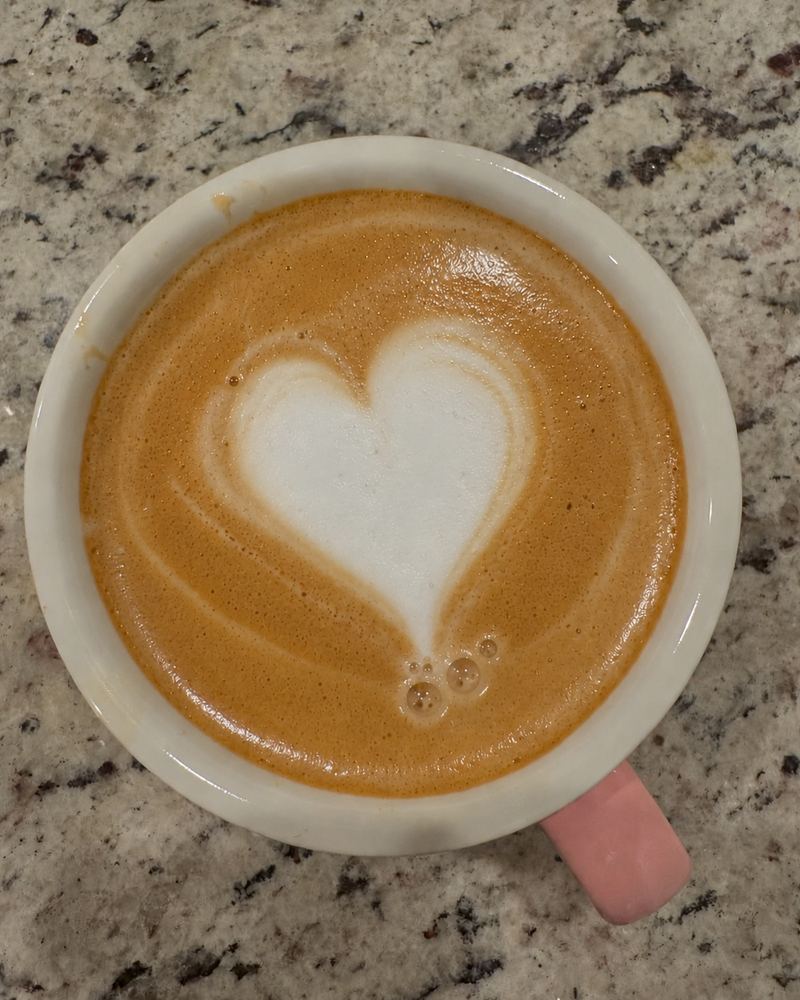
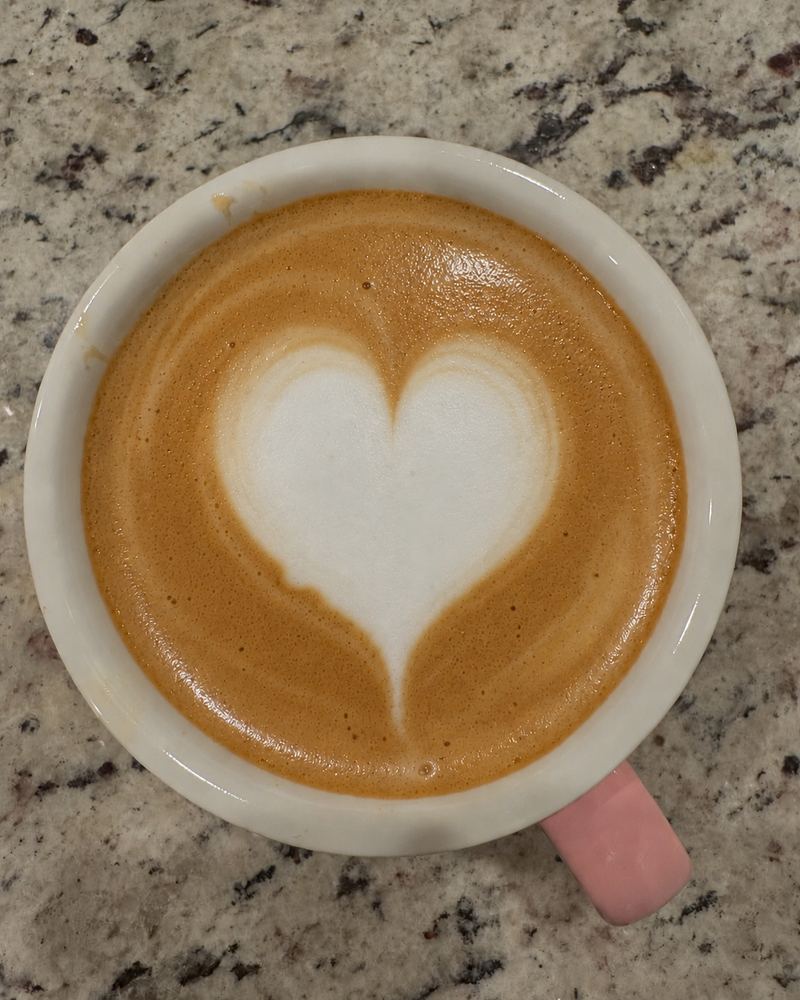
Your story.
Your little corner.
A journal that lives on your iPhone. No account, no feed, no audience to keep up with. Just something you care about, getting a little further along.
How we handle your dataA few things
you might wonder.
What can I keep a journal of?
Anything that changes in pictures: your latte art, a plant, a drawing, a room, or your own progress. Choose one subject and photograph it from the same angle.
Do I need to take a photo every day?
No. Come back whenever there’s something to capture. Reminders are optional, and your journal keeps every photo without a streak to protect.
Are my photos uploaded anywhere?
Your journal stays on your iPhone. Photos leave the app only when you choose to share an image, export a video or export a backup. Pro purchases use Apple and RevenueCat to verify access; they don’t receive your journal photos or notes.
What if I get a new iPhone?
Export a backup to Files and move that copy to your new iPhone, then restore it in cook’n. The rolling backup inside the app is local; it is not cloud sync. Export a copy before deleting the app.
What’s included in Pro?
Unlimited active projects and video export in 720p or 1080p, with four framing choices. Pro is a lifetime purchase. Capture, comparison sharing, backup, restore and your existing photos remain accessible without Pro.
What are you
still working on?
Make a little room for it.
We’re getting cook’n ready for the App Store.
In the meantime, take the sample journal for a spin.